


App Clip
The FutureState app. Instantly available.
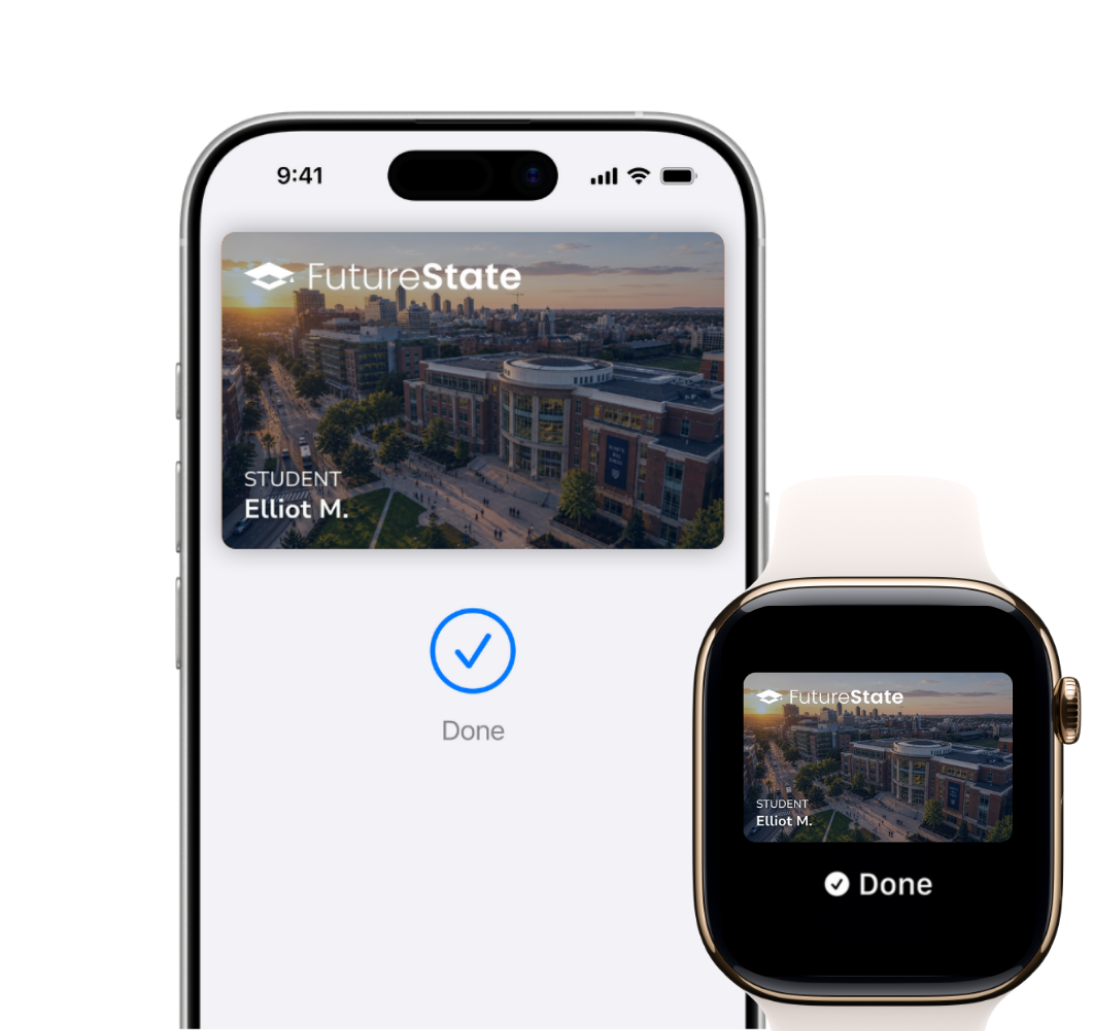
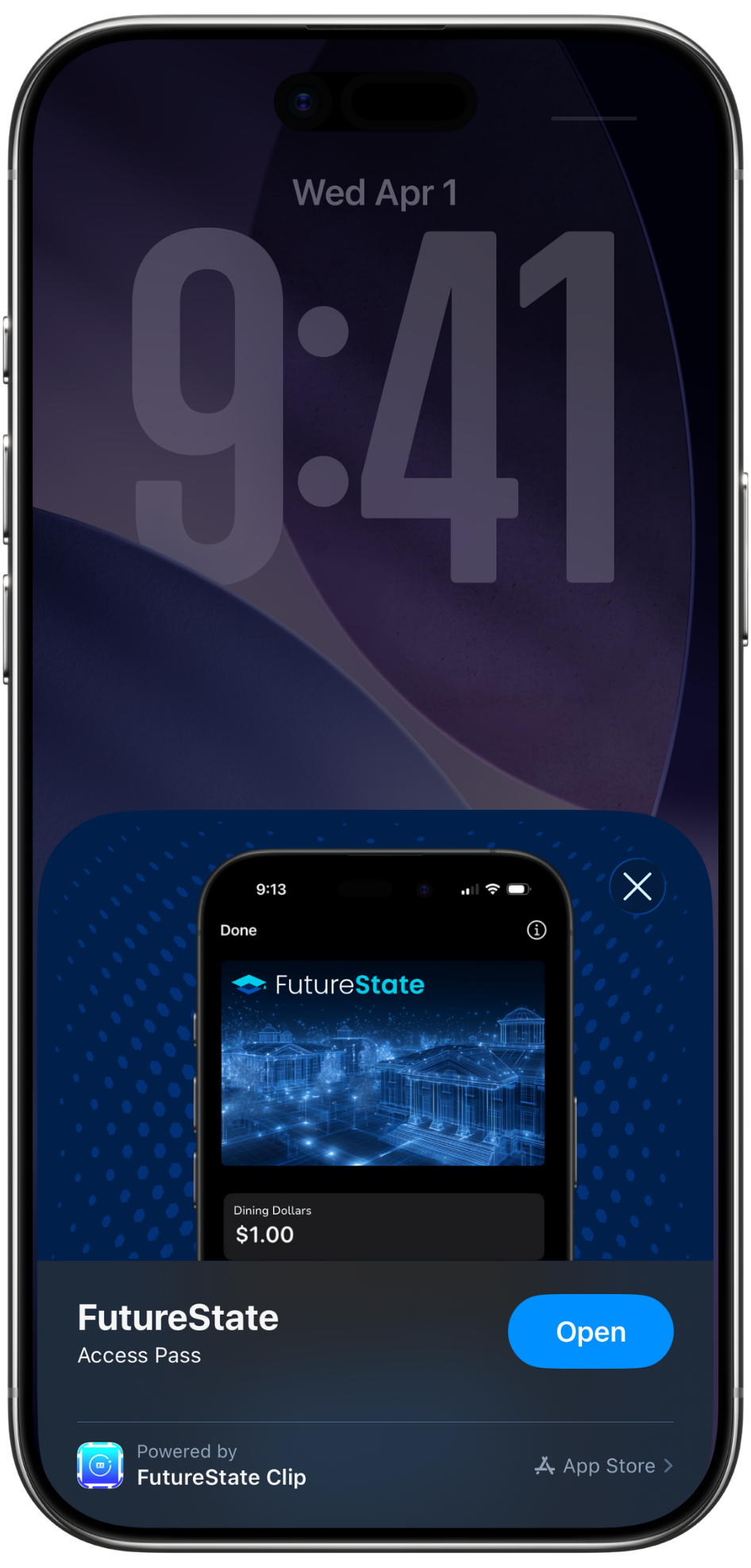
No full app download. Students tap an NFC tag, scan a code, or open a branded link — Add to Apple Wallet in under a minute.



Everything their plastic ID does. Now without the plastic.
Access.
With just their Apple Watch.
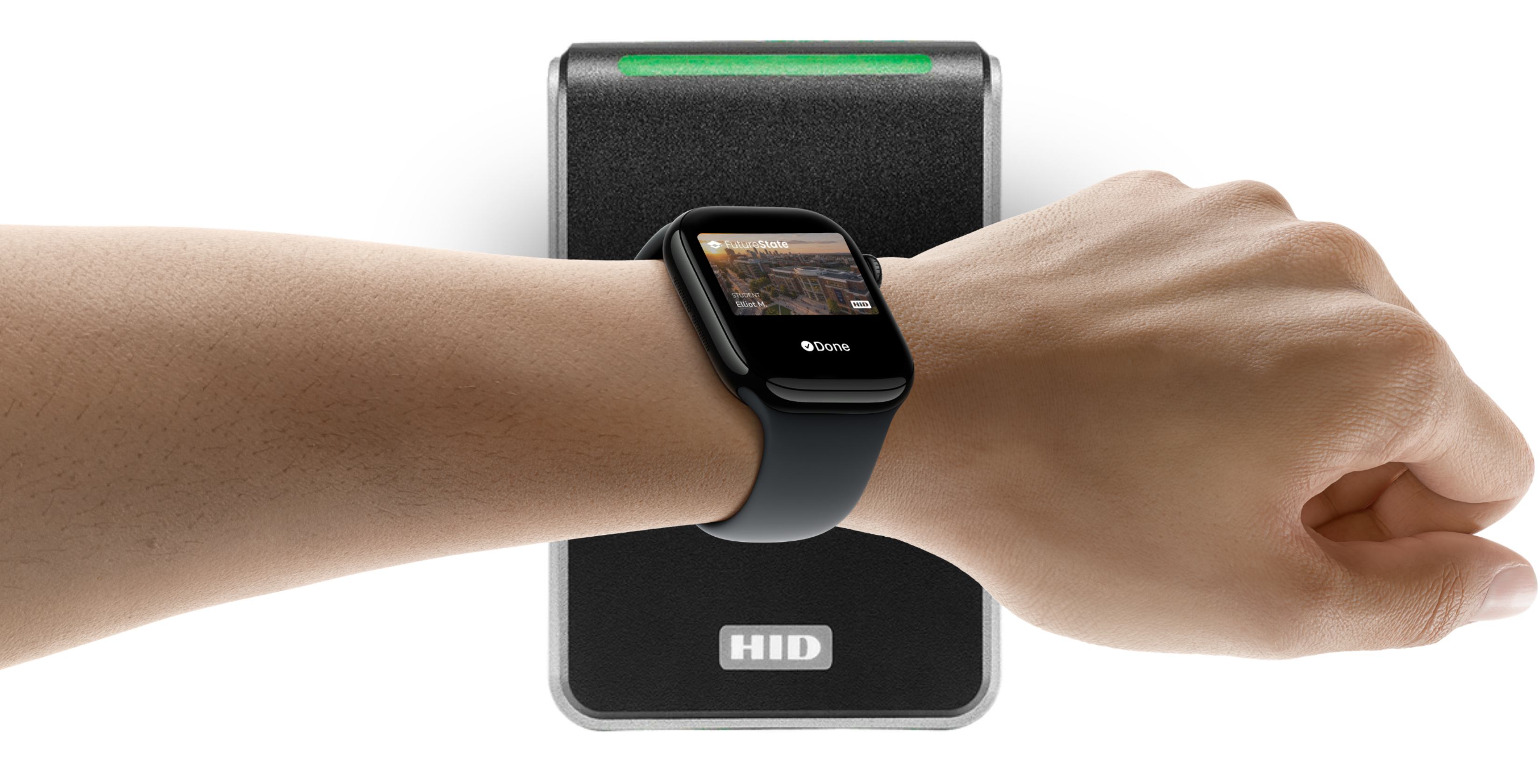
Add your eligible student ID to Apple Wallet and use iPhone or Apple Watch for easy access to your campus spaces. Just hold your device near the reader to get into your residence hall and room, the library, and common spaces around your university.
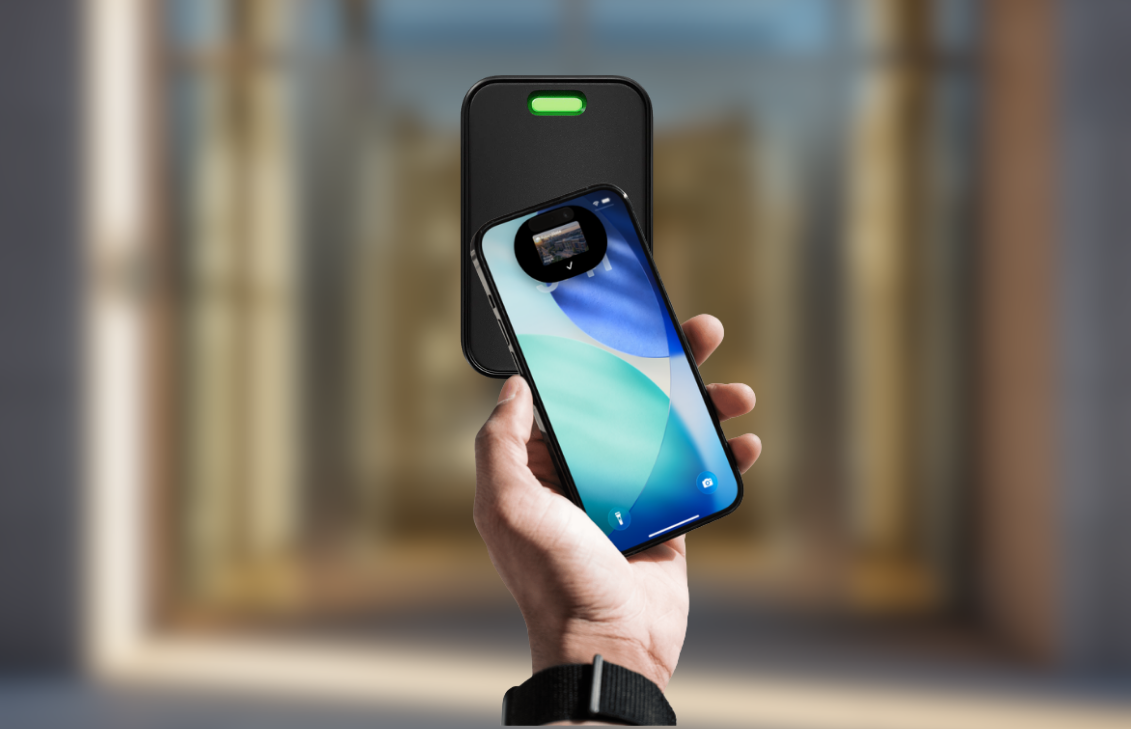
Replace the plastic badge that hangs off your waistband or clips to your shirt. With your eligible employee badge in Apple Wallet, use iPhone or Apple Watch to badge into the office, use a printer, and access common spaces — all from the device already in your hand.
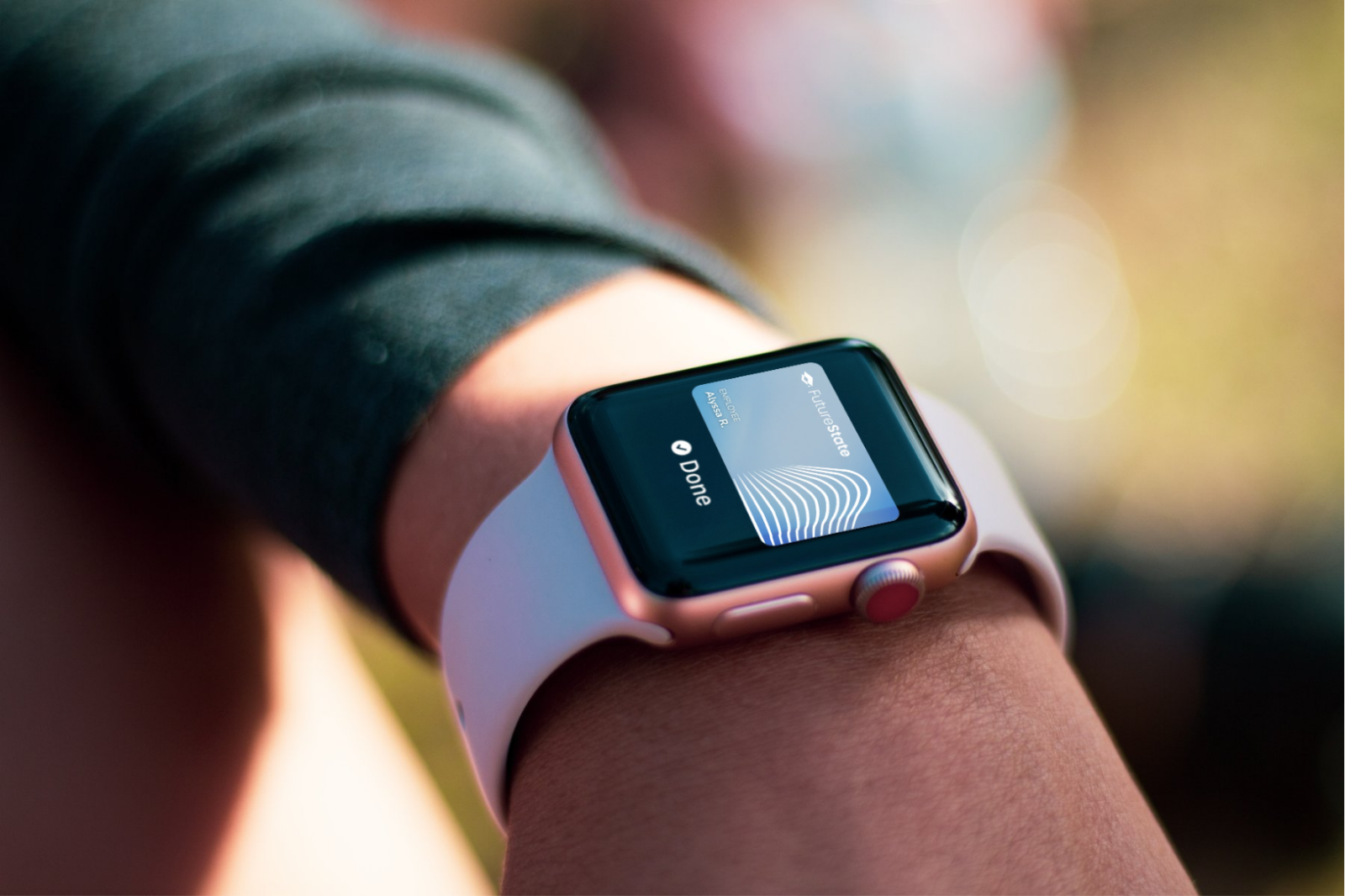
When your Student ID and Employee Badge are in Apple Wallet on your iPhone or Apple Watch, they are stored on your device, which means Apple doesn’t see the doors or spaces you unlock. This helps keep your data private and secure.
Give your students and staff multiple ways to add Student ID or Employee Badge to Apple Wallet, and choose the paths that fit how your campus already runs. From the first sign-in with your SSO, App Clips and the FutureState app are fully branded to your institution — down to the App Clip pop-up itself.
No full app download. Students tap an NFC tag, scan a code, or open a branded link — Add to Apple Wallet in under a minute.
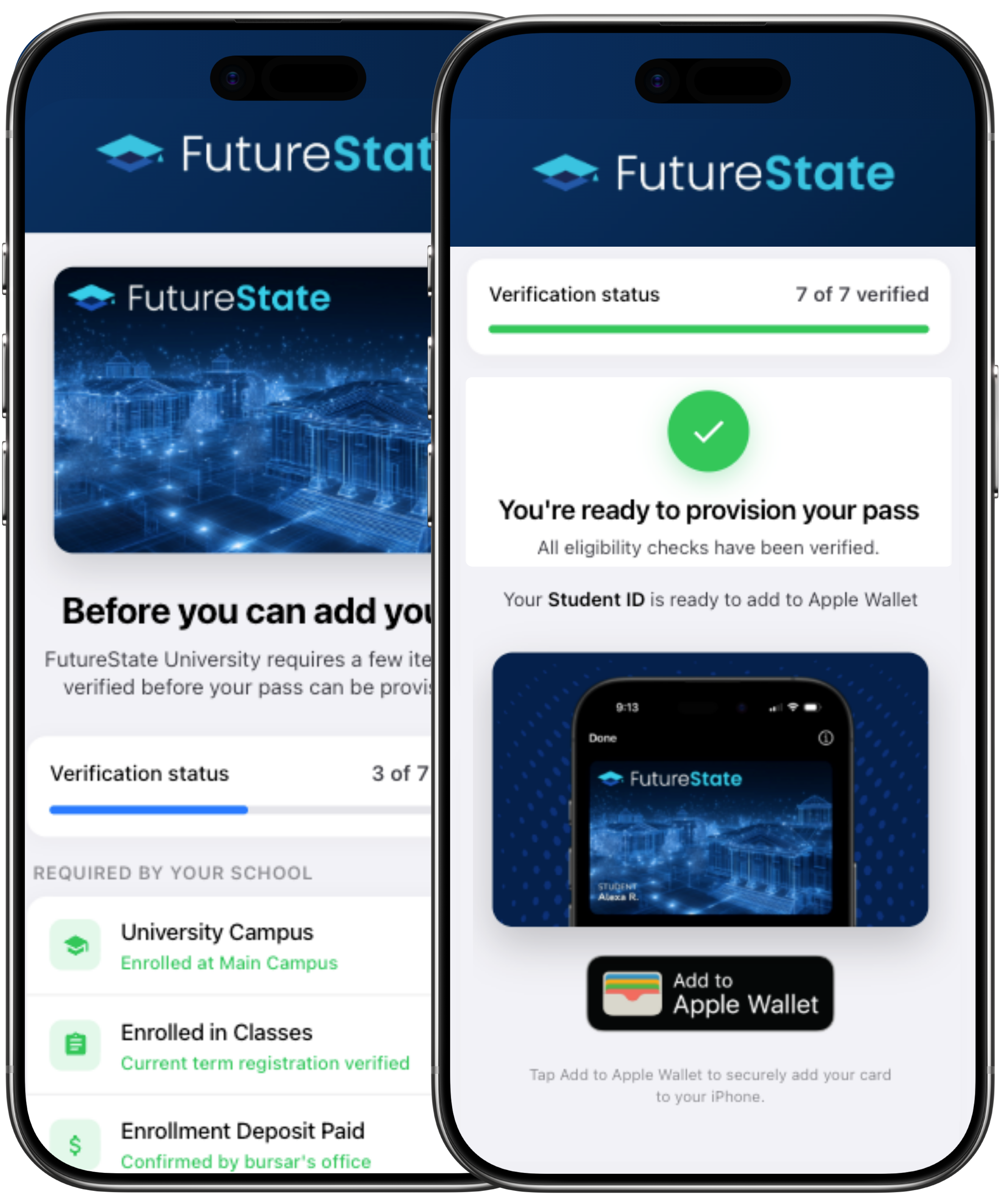
A native app for eligibility checks, balances, and pass management — provisioning, on us, ready to use on day one.
Embed Add to Apple Wallet directly inside the app your students already have on their phones — with our SDK.
FutureState doesn’t issue credentials itself — we partner with the leading Credential Providers and Managers to bring your Student ID or Employee Badge to Apple Wallet, through the partners you choose. Switch providers later and you don’t replace everything else.
See how FutureState brings Student ID and Employee Badge to iPhone and Apple Watch.
Your identity provider must support multi-factor authentication on the mobile device that will hold the credential.
Apple Wallet must replace the plastic ID across every use case — access, dining, library, events, printing and more.
A short readiness review covering identity, access, payments, and rollout — so your launch lands cleanly.
Get started
Student ID in Apple Wallet is available only at select universities. Requires eligible device and OS version. See here for details.